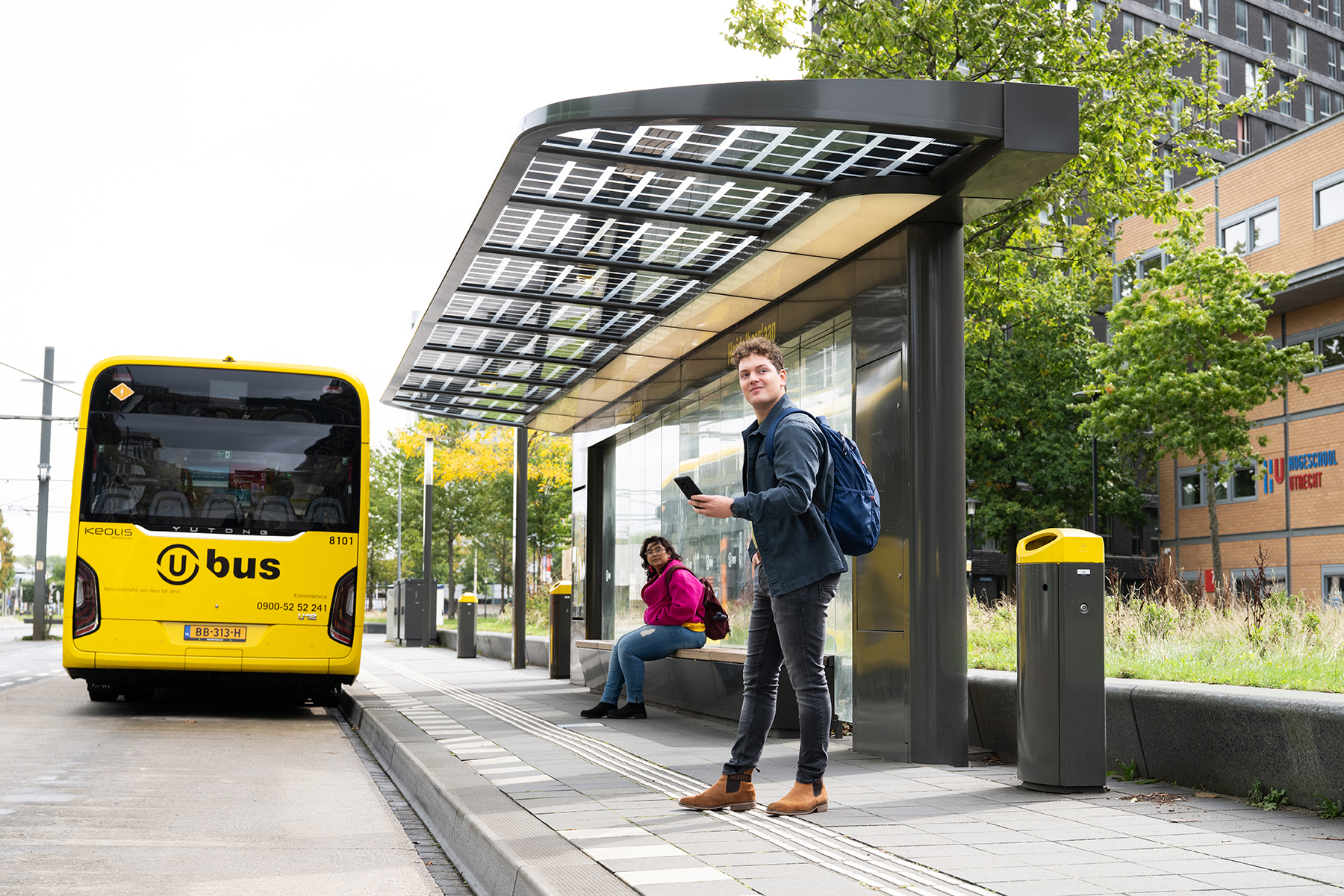
From September 21 through November 20, 2026, you will receive 50% off various OVpay products. We are doing this because of the canceled trips and delays in recent months. During the promotion period, you can travel at an extra-low price:
I already use U-OV Max Monthly or U-OV Off-Peak Unlimited:
You do not need to do anything and will automatically receive the 50% discount for 2 months.
I would like to use U-OV Max Monthly or U-OV Off-Peak Unlimited:
Activate U-OV Off-Peak Unlimited or U-OV Max Monthly before October 19, 2026? Then you will receive 50% off for 2 months. If you activate between October 21 and November 20, you will receive 50% off for 1 month. After that, you will pay the regular fare again.
U-OV Max Monthly: travel up to a maximum amountDo you travel regularly with U-OV, including during peak hours? Then U-OV Max Monthly gives you peace of mind. You activate U-OV Max Monthly free of charge, once, for your debit card or ov-pas*. You pay per trip until you reach the monthly maximum. After that, you travel free of charge with U-OV for the rest of the month. Night routes are excluded.

How does this offer work?
I already have U-OV Max Monthly
During the promotion period, you will automatically receive a discount on the monthly maximum for two months. You do not need to do anything. Your order confirmation will state when your discount starts. You can also find this in the My U-OV environment, under My Products: start date.
I do not have U-OV Max Monthly yet
Activate it between September 21 and November 20, 2026. You will then pay less temporarily.
Pay attention to the date:
How the discount works (example):
| Start date | You pay max. €50 (or €32.50) from / through | After that, you pay a maximum of: |
|---|---|---|
September 21, 2026 | September 21 through November 20, 2026 | €100 (or €65) per month |
November 18, 2026 | November 18 through December 17, 2026 | €100 (or €65) per month |
*Please note: from October 12, it will be possible to add U-OV Max Monthly and U-OV Off-Peak Unlimited to the OV-pas. They are already available on the debit card.
Buy your OV-pas now, so you can benefit from the full 2 months of discount.
Do you often travel outside peak hours, on weekends or public holidays? Then U-OV Off-Peak Unlimited is a smart choice. You pay a fixed amount per month and travel unlimited on U-OV buses and trams at these times. Night routes are excluded. Activate between 21 September and 20 November 2026? Then you temporarily pay €15 per month instead of €30.
With U-OV Off-Peak Unlimited, you can travel unlimited:
Do you sometimes travel during peak hours too? No problem! With U-OV Off-Peak Unlimited, you pay per journey until you reach the monthly maximum. After that, you travel free with U-OV for the rest of the month. During the promotional period, this monthly maximum is €35 instead of €70. Night routes are excluded.
How does this promotion work?
I already have U-OV Off-Peak Unlimited
During the promotional period, you will automatically receive two months' discount. You do not need to do anything. Your order confirmation will show when your discount starts. You can also find this in the My-U-OV environment, under My Products: start date.
I don't have U-OV Off-Peak Unlimited yet
Activate U-OV Off-Peak Unlimited before 21 October? Then you will receive the 50% discount for 2 months.
Activate between 21 October and 20 November? Then you will receive 50% off this subscription for 1 month.
After that, you will automatically pay the regular rate of €30 per month.
Please note: from 12 October, U-OV Max Monthly and U-OV Off-Peak Unlimited can be loaded onto the OV-pas. These products are already available on the payment card. Buy your OV-pas in advance so you can benefit from the full 2-month discount.
How the discount works (example):
| Start date | You pay €15 per month: | After that, you pay: |
|---|---|---|
22 September 2026 | 22 September to 21 November 2026 | €30 per month |
15 October 2026 | 15 October to 14 December 2026 | €30 per month |
18 November 2026 | 18 November to 17 December 2026 | €30 per month |
U-OV Off-Peak Unlimited renews automatically every month. You can cancel monthly through our customer service.
Unfortunately, no.
Register once for free via your personal MyU-OV account and after that you automatically travel for a maximum of € 100,00 (or € 65,00) per month.
U-OV Max is valid on all U-OV daytime lines, from the start to the end of service. Night lines are not included. U-OV Max is valid on lines 90 and 395 operated by U-OV, but not on line 295 operated by Qbuzz.
Yes, you can – but do pay attention. Digital bank cards are regularly replaced by banks to prevent fraud. You won’t notice this yourself, but it may mean the product is no longer linked to your card. Check regularly whether the discount is still being applied – you’ll see this in your travel costs.
If you want to be sure you always travel with the product, link it to your physical payment card.
No, unfortunately not yet. We expect this to be possible sometime in 2026.
No. For U-OV Max, only the trips you make with the same payment card count. A physical card and a mobile card are not the same, even if they’re linked to the same bank account.
Are you under the age of 12 or over 65 and do you receive an age-based discount on your card? Then your fares are calculated including that discount, up to a maximum of € 100,00 per month.
Are you between 12 and 18 years old? Then the maximum is € 65,00 per month.
No. At the end of each day, your journeys are added up to a maximum of € 10,00 (or € 6,50) and then debited from your account.
If, in a given month, your total reaches € 100,00 (or € 65,00), you’ve hit your monthly cap and you travel free of charge for the rest of that month.
Then the amount for that month is recalculated, again up to a maximum of € 100,00 (or € 65,00).
Yes, you must always check in and out, even if you’re travelling for free for the rest of the month. Otherwise you risk receiving a fine.
To link a product to your (digital) debit card or credit card, you first need to check in and out with it at least once on public transport. This helps prevent misuse. It allows us to be sure that you are the owner of the card and that no one else is travelling at your expense.
Important: Decide whether you want to travel with your physical payment card, the card on your mobile phone or the card on your smartwatch and make your first journey with your chosen card. The product can only be linked to one card. A journey with your physical card is not the same as one with the card on your phone or smartwatch, even if they use the same bank account. These are treated as three different cards.
To link your product to your (digital) debit card or credit card, you first need to make one journey with it. The next day, the amount will appear in your bank statement with the description NLOV.
Tip: if you can’t copy the code directly, write it down or type it out carefully.
OVpay is the new way of checking in and out on public transport. You can travel using your debit card, credit card, mobile phone or an OV-pas. Want to know more? Visit the OVpay website.
U-OV Max (month) starts from the moment you activate it. So if you activate the product on 12 February, your month runs until 11 March.
To add an OVpay product to your (digital) debit card, first travel once with that (digital) card. Use the payment reference for that journey to validate your debit card. The next steps are as follows:
Step 1. Go to mijn.u-ov.nl and click on Request account. Do you already have a U-OV account and have you added your debit card? Then go to mijn.u-ov.nl and proceed to step 8.
Step 2. Enter your details, accept the terms and conditions and click on Next.
Step 3. Continue to enter your details. Have you filled in everything? Click on Create account.
Step 4. Your request has been confirmed. We have sent you an email. Click on the link in that email and confirm your account.
Step 5. Select Add debit card.
Step 6. Indicate whether you have already travelled with the (digital) debit card on which you want to put the travel product. To add it, you will need to use the payment reference for that journey. This will validate your debit card.
Step 7. Enter the details of the journey you made with your (digital) debit card. The journey must have taken place no more than 30 days ago. You can find the details on your bank statement. The payment reference always starts with “NLOV”. You will use this together with the journey price to validate your debit card. Have you travelled with both your physical card and your mobile card? If so, please check carefully which payment number you select. Have you filled in everything? Click on Add debit card.
Step 8. Your (digital) debit card is now in your account! You can now travel automatically for up to €10 per day on all U-OV buses and trams. If you travel less, you pay less. Would you like to add more products? Click on Products.
Step 9. Click on Order now for the product of your choice.
Step 10. Give your debit card a name and agree to the terms and conditions. Then click on Confirm order.
Step 11. Check your details and click on Confirm order.
Step 12. You will receive a thank you message for activating the product.
To add an OVpay product to your child's (digital) payment card, first make a trip with that (digital) card. Use the payment reference of that trip to validate your payment card. The following steps: