.svg?language=en)

OVpay
The new way to check in and out on public transport
After nearly 20 years, the OV-chipkaart is coming to an end. OVpay is succeeding the familiar OV-chipkaart and is making travel smarter and easier. OVpay is the new way to check in and out using your debit card or the new OV-pas; on buses, trams, metros, and trains throughout the Netherlands. Decide for yourself how you prefer to travel.
Do you also have a subscription with another transport provider? Then use the switch helper on the OVpay website to see if you can switch completely.
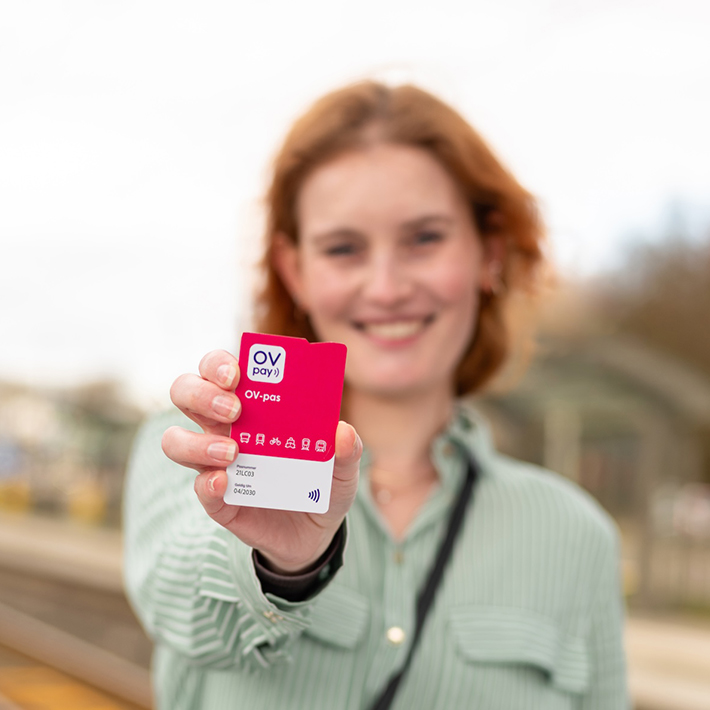 Travelling with the new OV-pas
With the new OV-pas, you can check in and out on trains, buses, trams, and metros anywhere in the Netherlands. Just as you are used to, but with more convenience. You can easily top up your balance via the OVpay app or the OVpay website. Or turn on automatic top-up so you never run out of balance. Prefer to top up with cash? Then buy your card at Primera.
The OV-pas
- Top up balance via your account – no more going to the ticket machine
- Automatic top-up – no more manually topping up balance
- Manage everything via your OVpay account (app or website)
- Valid for 5 years and €6, so cheaper than the OV-chipkaart
- Notch at the top: handy for the blind and visually impaired
Want to know more or order the card? Then visit OVpay.nl or the OVpay app.
After the summer of 2026, U-OV Max monthly and U-OV Dal Vrij will also be available on the OV-pas.
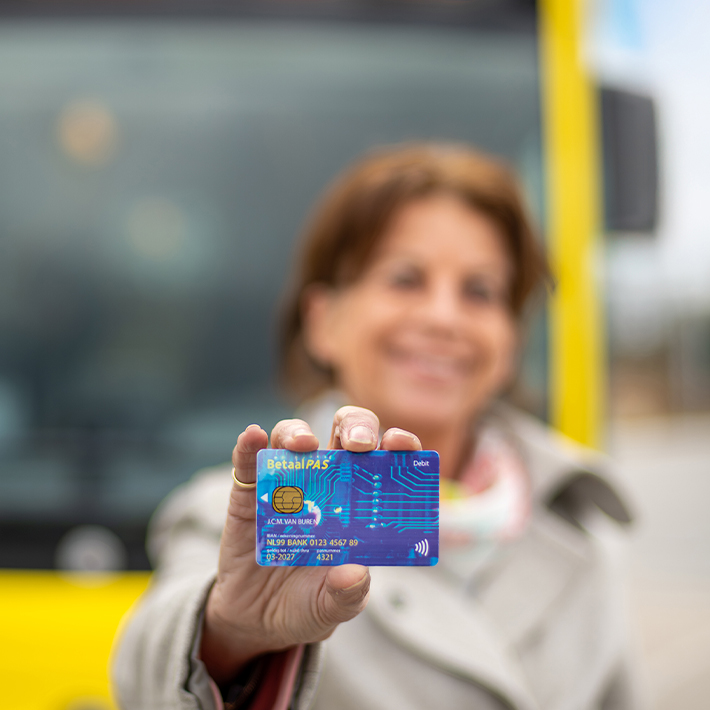 Checking in and out with your payment card
Travelling by public transport has never been easier. Simply check in and out with your debit card, credit card or mobile phone*. The advantages at a glance:
- No need to top up your balance
- You do not need to register
- No new/extra card or pass needed
- Your travel expenses are automatically debited from your account
- Also suitable for travel with discount subscriptions
- Always have insight into your travel expenses and history via the U-OV app or via your OVpay account
Forgot to check out? Correct your missed check-out here.
Want to know how to check in and out with your payment card? Take a look here.
OVpay products on your payment card
All U-OV OVpay travel products are available on your payment card. Want to know how this works? Take a look at “Good to know”, further on on this page.
*For your information: Paysafe digital passes are not accepted by U-OV. With NS, you cannot check in and out with your mobile phone or smartwatch using Revolut or Vivid (but you can with us).
Good to know
Always check in and out with the same payment card
Please note: it is important that you always check in and out with the same payment card.
This makes sure that the amount for your journey is calculated correctly. Are you using your payment card? Then take your card out of your wallet or card holder. Are you checking in with your mobile phone? Then use it to check out as well.
This ensures that you only check in with one card.
New OV-pas also available at Primera
The new OV-pas is also available at all Primera stores throughout the Netherlands. You will find the OV-pas in the gift card rack.
OV-pas with barcode: the OV-pass available in Primera stores has a barcode on the back. You can top up this pass at the store checkout using a debit card or cash payment. You can, of course, also top up via the OVpay app and website. You do not need an account for this.
OV-pass without barcode: the OV-pas you purchased via the OVpay website or app does not have a barcode. Therefore, you cannot top up this pass at Primera.
Costs and subscriptions
Standard public transport fare: The price is the same as travelling with an OV-chipcard.
Age discount: Are you under 12 or over 65? Then add a 34% age discount to your payment card and benefit from a discount on bus, tram and metro. More about age discounts.
Students and other travel passes: Do you have a travel pass or travel product on your OV-chipkaart? Soon, you will also be able to choose different travel passes or travel products, such as 1st class travel, with the OV-pas.
FAQ
-
- Via the U-OV app: Link your payment card and view all your journeys with U-OV.
- Via the OVpay travel overview: Enter the 14-digit code (behind “NLOV” on your bank statement) and the amount debited to view your travel details.
Want to claim travel expenses? Easily create an overview of your claims, including VAT percentages, which can also be used by your employer. See how to do this here.
-
You can visit the OVpay website for the latest developments, frequently asked questions and answers, and manuals.
-
Do you have a subscription or travel product on your OV-chipkaart and would you like to switch to OVpay? Please note that not all subscriptions or travel products work on the OV-pas yet. We are working hard to expand this quickly.
Check the Switch Helper to see if you can already switch. With the Switch Helper, you will receive personal advice and a step-by-step plan for switching. -
You have been able to travel with your payment card for some time now. For many travellers, this is a quick and easy way to check in and out. However, it is not the ideal solution for everyone. Some travel products, such as the OV-Studentenreisproduct (student travel product), OV-fiets (public transport bicycle) or P+R options, are not available for debit cards. These will soon be available on the OV-pas (public transport pass). That is why OVpay offers two ways to travel: with your debit card or with the OV-pas.
This allows everyone to choose what best suits their situation. -
The current OV-chipkaart needs to be replaced because the technology is outdated and no longer compatible with modern digital payment and mobility systems. With OVpay, we are switching to a modern payment system that works the same way for all transport operators in the Netherlands. This makes OVpay future-proof and ensures a smoother travel experience throughout the Netherlands.